Right Sidebar Overview
The Right Sidebar in Foxel is an essential part of the workspace, providing access to various panels that assist you in managing and editing your scene effectively. Only one panel can be visible at any time, allowing for a focused workflow.
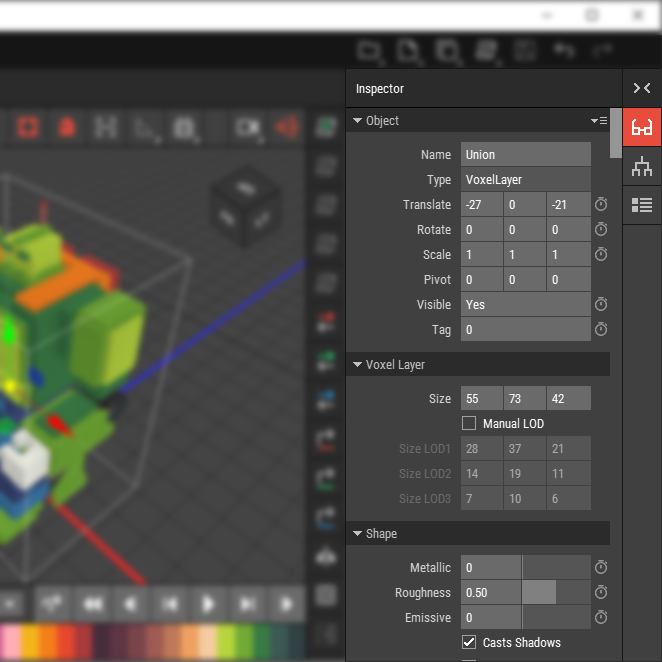
The Right Sidebar contains tools for inspecting and organizing the elements within your scene. It is designed to enhance your editing capabilities and streamline your workflow.
The Right Sidebar can be collapsed to free up space; you can do this by clicking the collapse button:  or by clicking on the the highlighted button of the active panel.
Collapsing the sidebar hides all panels, allowing for more workspace area.
Key Panels
Below is an overview of the key panels available in the Right Sidebar.
| Icon | Panel | Description |
|---|---|---|
 | Inspector | Displays properties and settings for the currently selected object, allowing for detailed adjustments. |
 | Hierarchy | Shows the structure of all objects in the current scene, enabling easy organization and selection. |
 | Advanced View Options | Provides additional settings for customizing the view of your scene, including grid and camera options. |