Updating Foxel
Foxel automatically checks for updates every time it starts. To do this, it sends the version info of your current installation to the update server, where it is compared with the latest version online. If an update is available, the following window will appear:
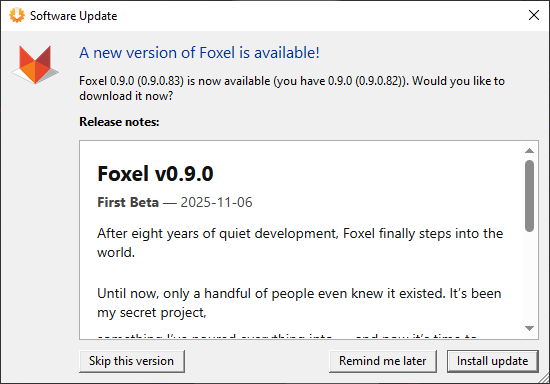
- Click Yes to download and run the latest installer.
- Click No to skip the download this time.
Disabling the Update Check
You can enable or disable the automatic update check in the Preferences.
If you have disabled the update check at startup, you can still manually check for updates by choosing Help > Check for Updates.