Skip to content

Distort

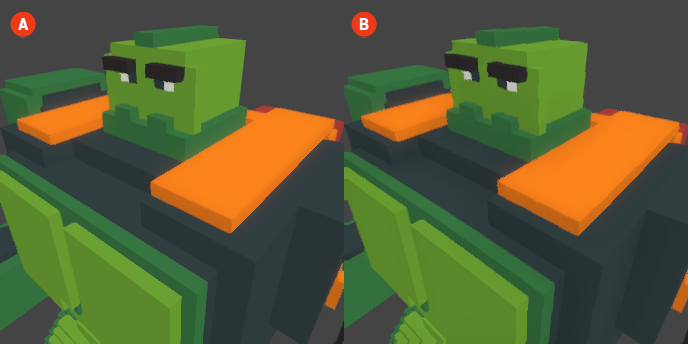
The Distort shader effect creates visual distortions, adding dynamic movement or a surreal look to your voxel scenes. This effect can be used to enhance the atmosphere of your environment, making it feel more alive and engaging. By manipulating the visual elements, the Distort effect can create a sense of fluidity or dreamlike qualities in your graphics.

Distort 🔺 Figure 1 🅰️ Without Distort. 🅱️ With Distort Enabled.

Settings

  • Distort X: This setting controls the horizontal distortion effect applied to the scene. Adjusting this value will create shifts in the visual elements along the X-axis, contributing to the overall dynamic movement.

  • Distort Y: This setting controls the vertical distortion effect applied to the scene. Adjusting this value will create shifts in the visual elements along the Y-axis, enhancing the surreal quality of the effect.