Left Sidebar Overview
The Left Sidebar in Foxel is a crucial component of the workspace, providing access to various panels that help you manage your projects and assets efficiently. Only one panel can be visible at any time, allowing for a focused workflow.
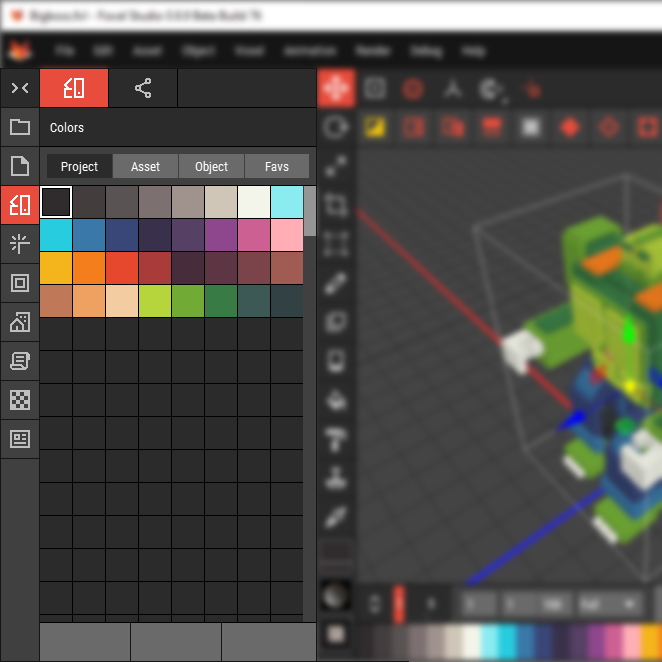
The Left Sidebar is used to create and manage all files that can be utilized by Foxel. These files are managed by Foxel's file manager.
The Left Sidebar can be collapsed to free up space; you can do this by clicking the collapse button:  or by clicking on the the highlighted button of the active panel.
Collapsing the sidebar hides all panels, allowing for more workspace area.
Key Panels
Below is an overview of the key panels available in the Left Sidebar.
| Icon | Panel | Description |
|---|---|---|
 | Projects | Displays a list of all your projects, allowing easy navigation between them. |
 | Assets | Shows all assets associated with the active project, including Voxel Scenes, Voxel Movies, Heightmaps, and Mesh Assets. |
 | Colors | Lists the colors used in the active project along with all available Color Palettes for quick selection. |
 | Materials | Displays the materials used in the active project and all Material Sets for easy management. |
 | Minis | Lists all active Minis and other Mini Sets, providing quick access to your miniature assets. |
 | Prefabs | Shows the Prefabs of the active Prefab Package along with all other available Prefab Packages. |
 | Scripts | Lists all Lua scripts available in your project, allowing for easy access and management. |
 | Visual Resources | Lists all textures, cubemaps, and lookup tables that can be used in your projects. |
 | Profiles | Lists all import, export, environmental settings, and render effects profiles for streamlined project management. |